 Available now
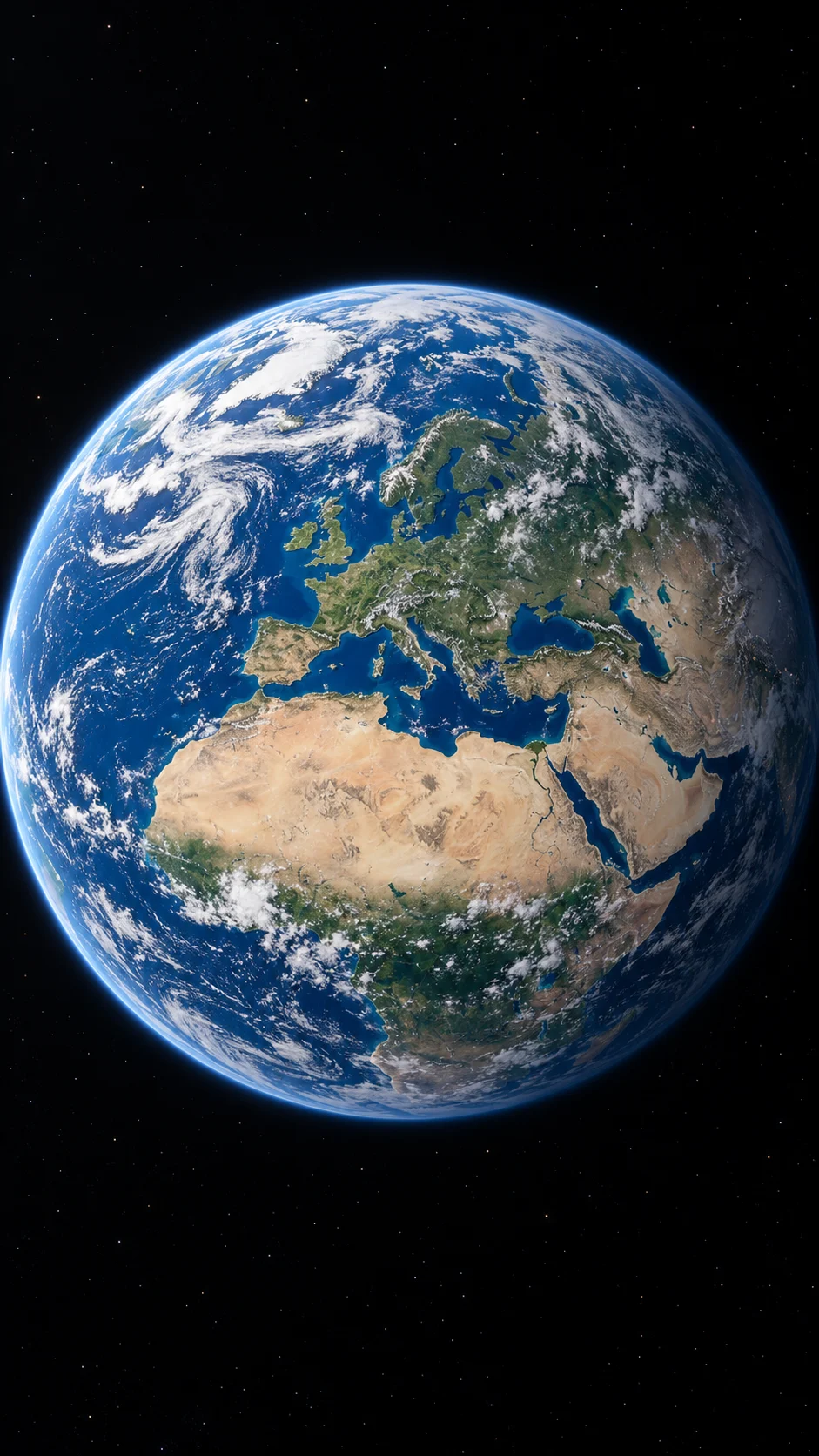
SUMMIT → CLOUDS → EARTH
Earth
From a coastal summit, through the clouds, to the whole planet. One continuous pullback.
 Rhyvello
One photo. A whole new perspective.
Put yourself on a coastal summit, then pull back through the clouds to reveal Earth. Upload one clear photo to create your zoom-out video.
 Current effectEarth Zoom
Create with .
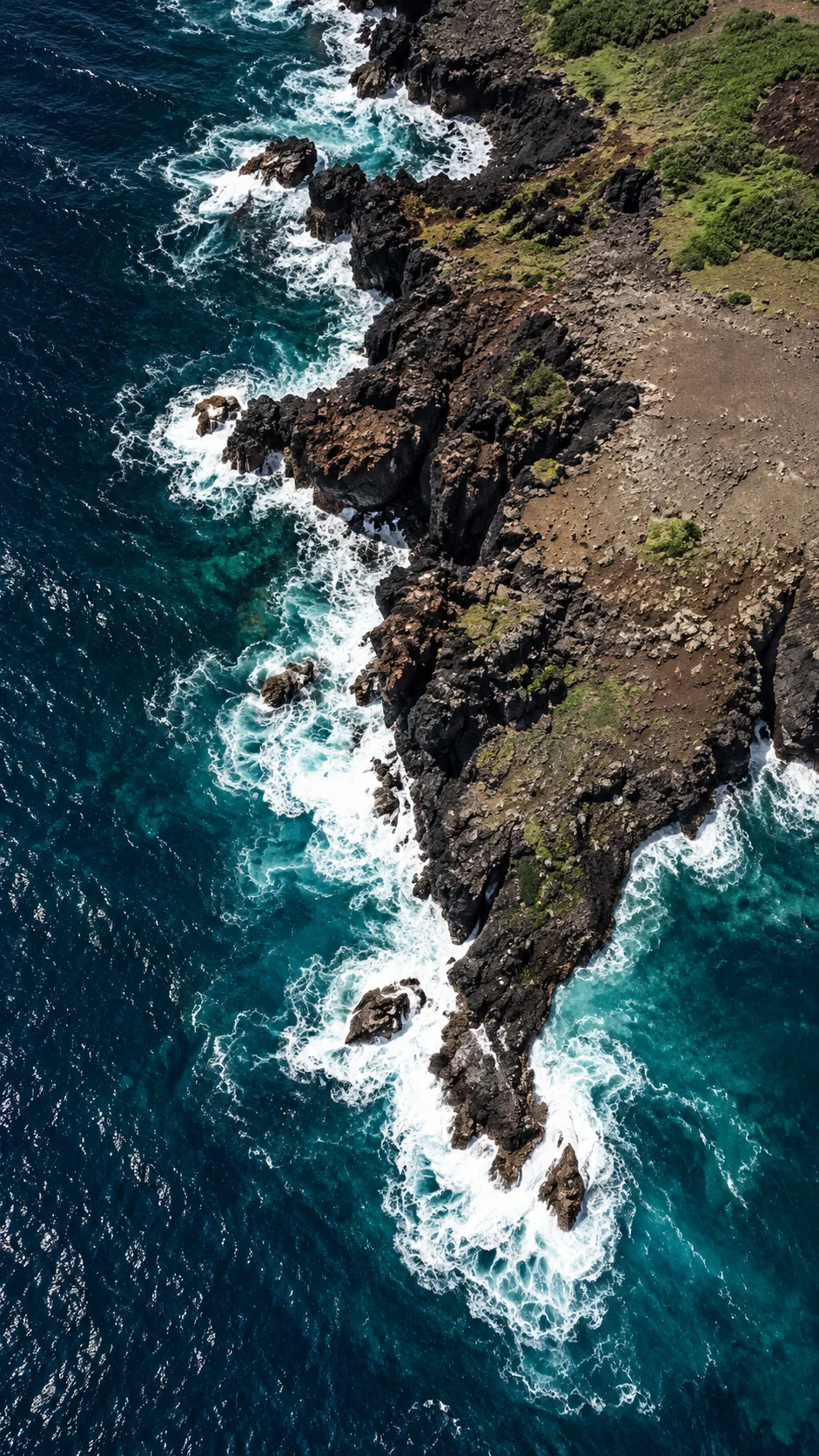
Continue rising through scattered white clouds into a wide satellite-like view, then reveal the curved Earth and finish with the planet seen from space.
Click an image reference to view or replace your photo.
Create one continuous Earth Zoom Out shot with no cuts, dissolves or scene resets. The only subject is from : a person or a pet. Preserve their exact identity, face, hair or fur, species, outfit and natural body proportions. Never turn a pet into a human. Begin just above the subject standing or sitting naturally at the center of a pale limestone clearing on a green coastal mountain, looking up at the camera. Keep their face clearly visible at the beginning. Pull the camera smoothly upward along one continuous path. The subject shrinks naturally as the summit, forested slopes and curved coastline come into view. Keep the sea to the left and the mountain terrain to the right. Continue rising through scattered white clouds into a wide satellite-like view, then reveal the curved Earth and finish with the planet seen from space. Never dive toward the ground or return to the subject. Pace the requested duration approximately as: first 20 percent subjects and summit; next 30 percent mountain aerial; next 20 percent coastline and clouds; final 30 percent Earth and space. Use photoreal aerial photography, neutral natural daylight, consistent landforms and lighting, and physically believable changes in scale. Ease the motion at the start and finish. No dialogue, singing or lip sync. Use only rushing wind and a low rumble, easing to quiet at the end. No music is required. No extra people, duplicated subjects, identity drift, warped faces, extra limbs, text, captions, stickers, logos, map pins or watermarks. Duration: 10 seconds. Aspect ratio: 9:16. Optional user detail (never overrides identity or safety rules): None
THE EARTH ZOOM COLLECTION
Earth zoom out turns an ordinary photo into an extraordinary change of scale: a subject on the ground, a landscape from above, clouds, then the planet in space.
Start with the coastal Earth preset in the generator above. It supports one person, a pet, or two people from separate photos, with 5–15 second videos in vertical, square or landscape format.
Explore the collection below. Earth is available now.
Universe, Milky Way and reverse zoom are in preparation; their images show the visual direction, not finished video results.
Available nowSUMMIT → CLOUDS → EARTH
From a coastal summit, through the clouds, to the whole planet. One continuous pullback.
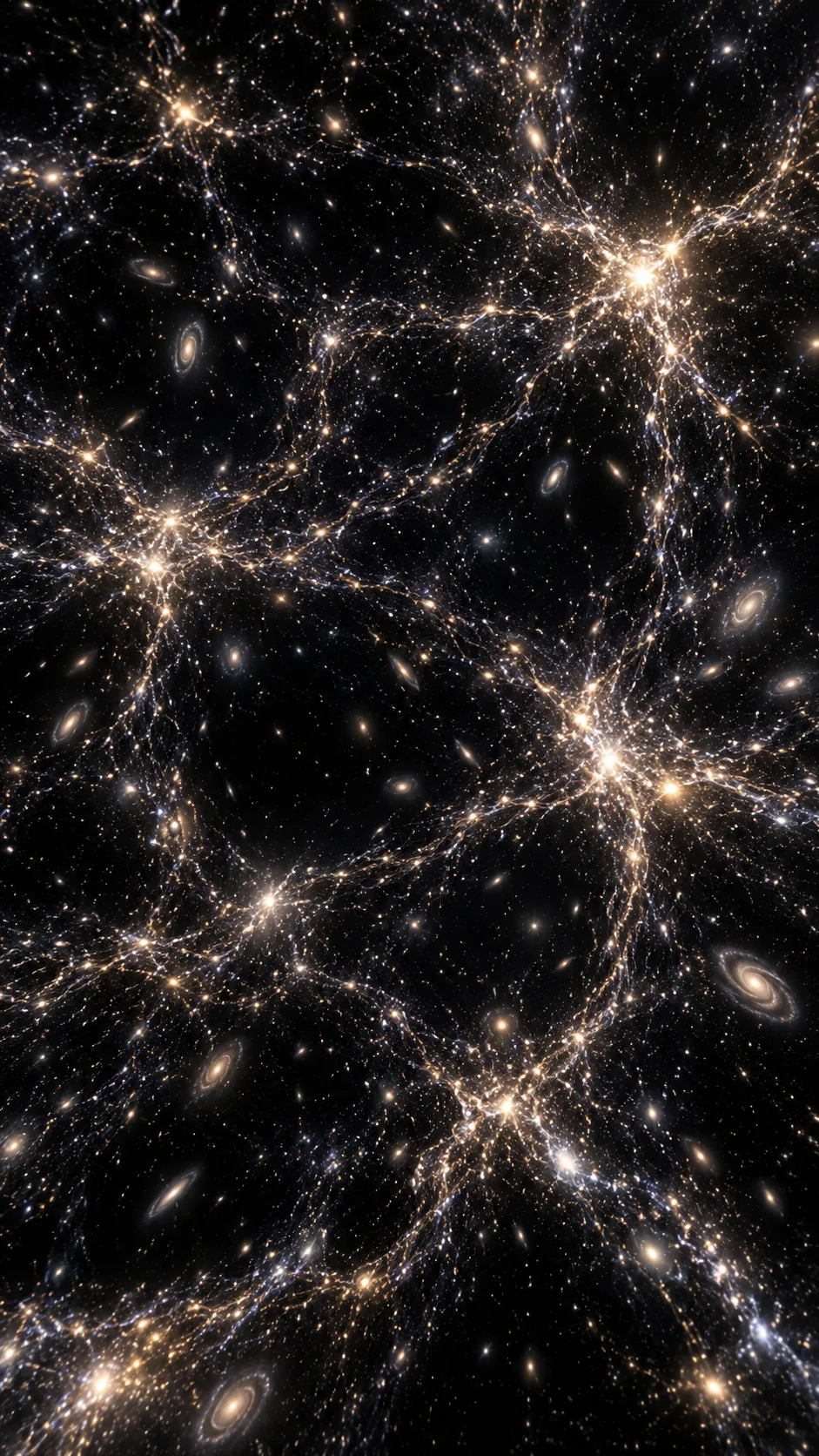 Coming soon
EARTH → SOLAR SYSTEM → COSMOS
A journey beyond Earth, past the solar system and into a vast cosmic web.
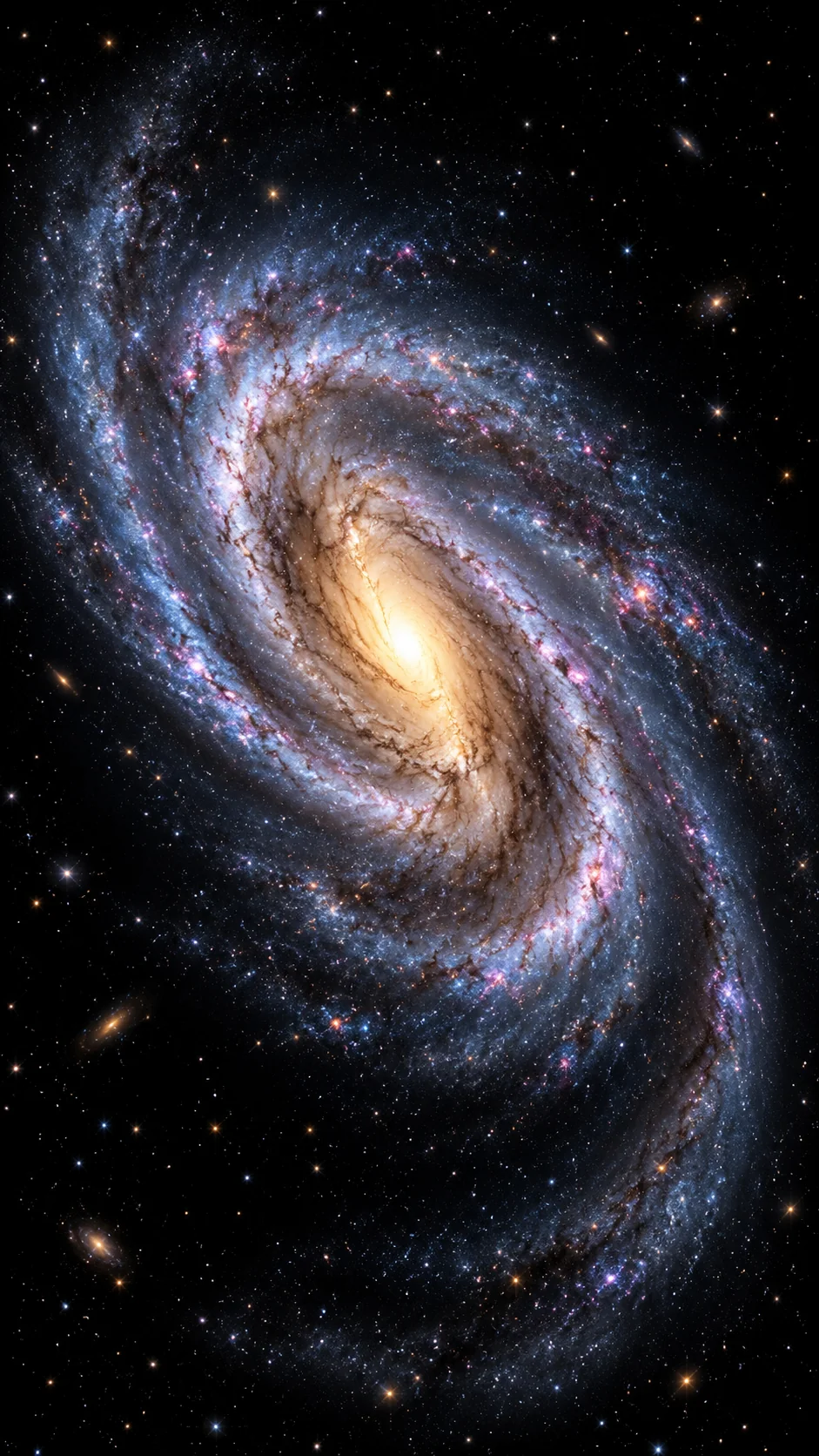 Coming soon
EARTH → STARS → GALAXY
Pull back until the spiral arms of a galaxy fill the frame.
 Coming soon
SPACE → CLOUDS → GROUND
Turn the journey around: begin in space and move toward a landscape on Earth.
The uploaded photos provide the identities. Choose a clear, well-lit image with the face or animal visible, and avoid heavy filters, crowded group shots or objects covering the subject.
Use one clear photo. A standing or half-body portrait gives the opening shot useful detail before the camera pulls away.
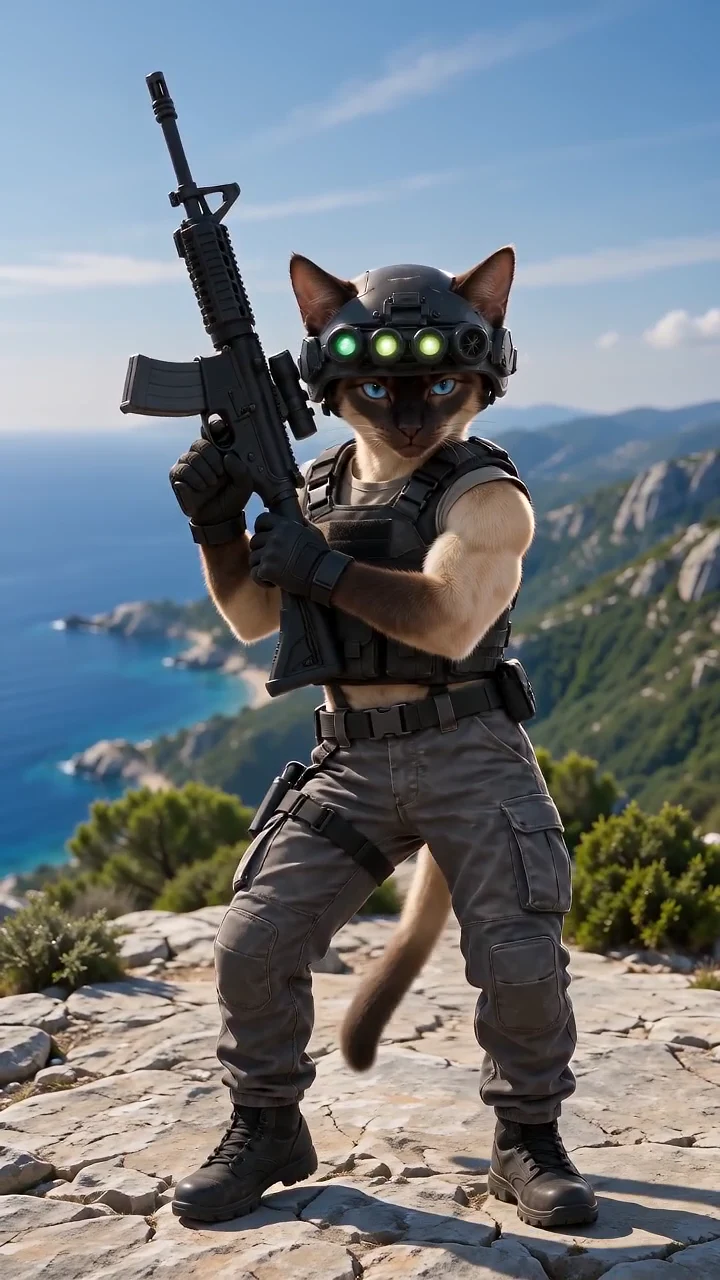
Use one photoA cat or dog can be the star, too. Use a sharp photo with the whole animal visible so its fur, shape and proportions are clear.
Make a pet videoChoose Duo and upload one photo of each person. The first person starts on the left; the second starts on the right.
Use two photos01 — 04
The Earth preset supplies the camera direction. You do not need to animate a map, set keyframes or write a full prompt.
Create an Earth zoomUpload JPG, PNG, WebP, HEIC or HEIF files up to 5 MB each, with dimensions between 300 and 6000 px. For a duo, use the two separate upload slots.
Choose 5, 8, 10, 12 or 15 seconds, then 480p or 720p. Use 9:16 for a vertical social clip, 1:1 for a square post, or 16:9 for landscape.
Optional detail accepts up to 500 characters for a mood, outfit or lighting preference. Keep it consistent with the selected preset; it does not unlock a coming-soon destination.
Review the credit cost, confirm you have permission to use the photos, then generate. When the task finishes, open My videos to download the clip. Add your own music in your preferred editor.
Standard · Earth preset
Video generation uses paid credits. There is no free generation plan. The examples below use the Standard model; changing the model, length or resolution changes the quote shown in the generator.
10 credits · $7.99
One-time pack. Pack credits do not expire.
See all packs and plansPaid downloads have no added Rhyvello watermark.
One 10-credit pack covers two 5-second 480p clips or one 10-second 480p clip at these settings. A 5-second 720p clip needs 11 credits. Subscription credits follow their plan’s expiry period.
No prompt is required. Try a short detail to steer the existing scene. These are starting ideas, not a promise of an exact result; the preset keeps its continuous upward camera move.
Soft morning light, light sea haze and natural colors. Keep my original outfit and a calm, cinematic atmosphere.
Try this detailWarm late-afternoon light across the coastal summit, gentle wind and distant sea haze. Keep the landscape natural.
Try this detailKeep both people side by side, looking toward the camera. Natural spacing, relaxed posture and matching daylight.
Try this detailKeep my pet’s fur, markings and natural anatomy. A calm pose on the hilltop, with soft light and a gentle breeze.
Try this detailChoose the workflow that fits the shot. A map animation, an editable template and a photo-driven AI video give you different kinds of control.
| Workflow | Starting point | What you control |
|---|---|---|
| Google Earth Studio | Satellite and aerial imagery | Animate geographic imagery. Check Google’s access, attribution and usage terms. |
| CapCut | An Earth Zoom Out template | Replace the template image, then edit music, text and export settings. Availability and terms are set by CapCut. |
| Rhyvello | One photo, or two for a duo | Choose the subject, duration, resolution and format. See the credit quote before generating. |
Official workflow references: Google Earth Studio · CapCut
It is a continuous pullback from a close subject to a much wider view of the landscape, clouds and Earth from space. Rhyvello’s current preset begins on a coastal summit. It creates an AI scene rather than a geographically exact map of the place in your upload.
Generation here uses paid credits, with no free generation plan. The one-time 10-credit pack is US$7.99 or €6.99 when EUR is selected. The generator shows the required credits before you submit. See the pricing section for your selected currency.
Paid downloads have no added Rhyvello watermark. The example video and background concept images are previews, not your personal result.
Yes. Choose My pet, then upload one clear photo with the animal visible. The prompt preserves the subject’s species and natural proportions. A pet does not need a separate person photo.
Yes. Choose Two people and upload one photo per person. Both subjects begin in the same scene before the camera pulls away. You need permission to use both photos.
Those presets are coming soon. You can explore their background concepts here, but they cannot be selected for generation yet. Earth is the available destination.
A reverse Zoom in preset is in preparation. The current Earth preset travels upward and outward; adding “zoom in” to Optional detail does not change it into the future reverse preset.
The camera sequence is already built into the preset. Optional detail can add up to 500 characters about lighting, mood or an outfit. Try the examples above and avoid instructions that conflict with the upward pullback.
The generator runs in your browser on phone or desktop, with no app installation needed. Use 9:16 for a vertical clip and download the finished video from My videos.
Choose 5, 8, 10, 12 or 15 seconds, 480p or 720p, and 9:16, 1:1 or 16:9. The page starts at 10 seconds, 480p and 9:16. Your selected model and settings determine the credit quote.
No. This is Rhyvello’s photo-to-video generator with its own Earth preset. The space and landscape are AI-created. Other tools have their own workflows, access rules and prices.
The Earth preset does not request a particular song or a licensed recording. Download your result and add music through your preferred editor or social platform, following its music terms.